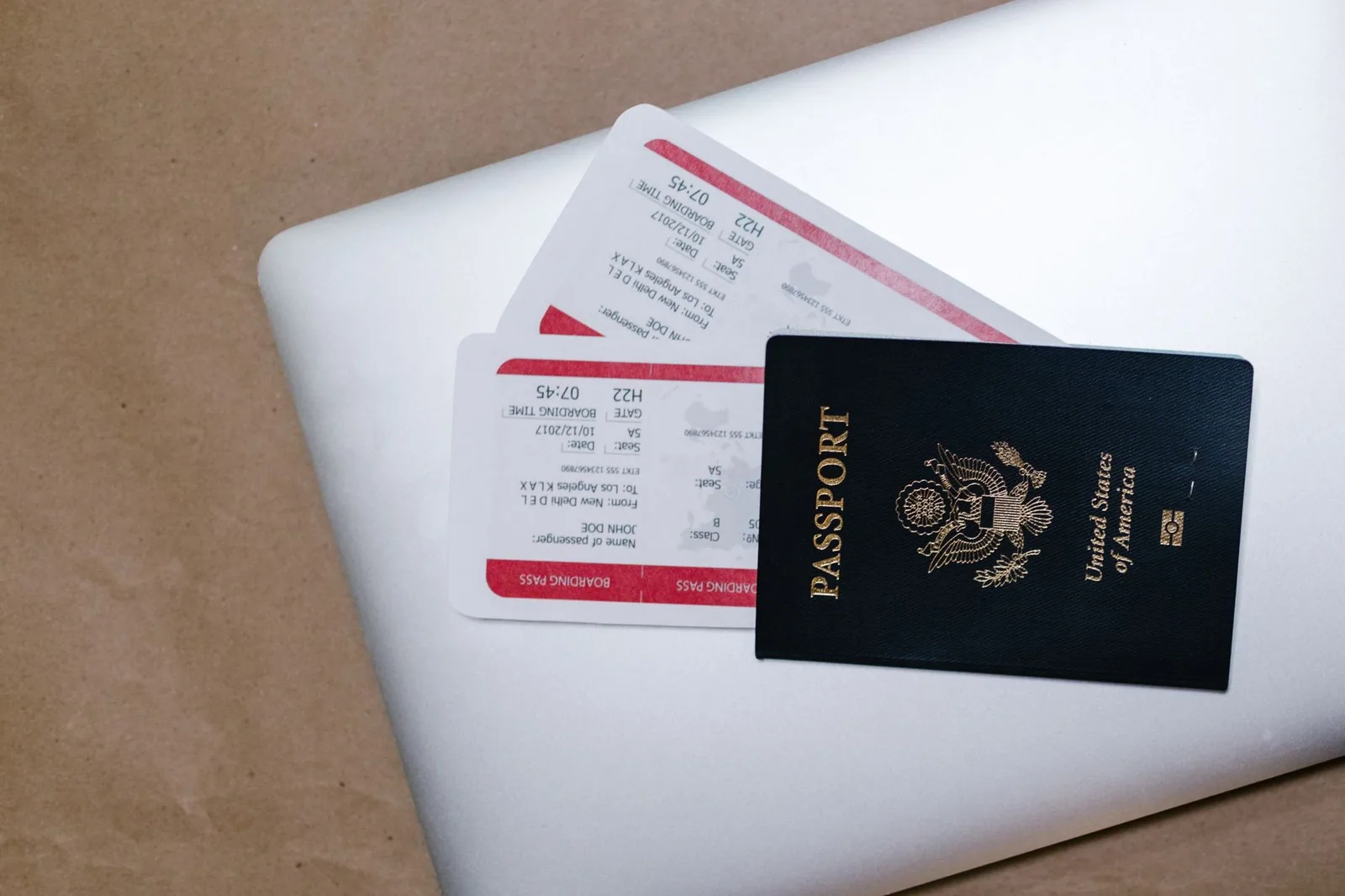
The Japan immigration form online is the Disembarkation Card for Foreigner (the ED card) inside Visit Japan Web, a free Digital Agency service. Since 25 January 2024 it shares one QR code with the customs declaration. You enter your flight, address in Japan, purpose and length of stay, and answer 3 yes/no questions.
Last checked: 19 October 2026. Field names and limits come from the Visit Japan Web instruction manual (version 3.16, 22 July 2026) and the Digital Agency’s user guide. Japan Customs information is from its passenger clearance page.
3 questionsYes/no questions on the immigration part of the form
90 daysMaximum to enter for tourism, business or visiting relatives
1 QR codeImmigration and customs combined since 25 January 2024
10 peopleFamily members you can add to one account
¥10,000Personal-use items at or below this value per item need not be listed
What the online immigration form replaces
Foreign visitors to Japan traditionally fill in two paper cards on the plane: the immigration ED card and the customs declaration. Visit Japan Web turns both into one online menu called Immigration clearance and customs declaration. When you finish, it gives you a QR code that you show at the immigration counter and again at customs.
Japan Customs recommends declaring electronically through Visit Japan Web, though paper forms are still handed out on planes and ships. The online route is optional. It saves writing on a tray table, and the details you type once can be reused on later trips.
Before you start: what to have ready
- Your passport. You can scan it with the camera or type the details.
- Your flight to Japan: airline, flight number and arrival date.
- The first airport of your journey, if you are connecting.
- Your first address in Japan, ideally with the postal code and a phone number.
- A rough count of alcohol, tobacco and perfume in your bags.
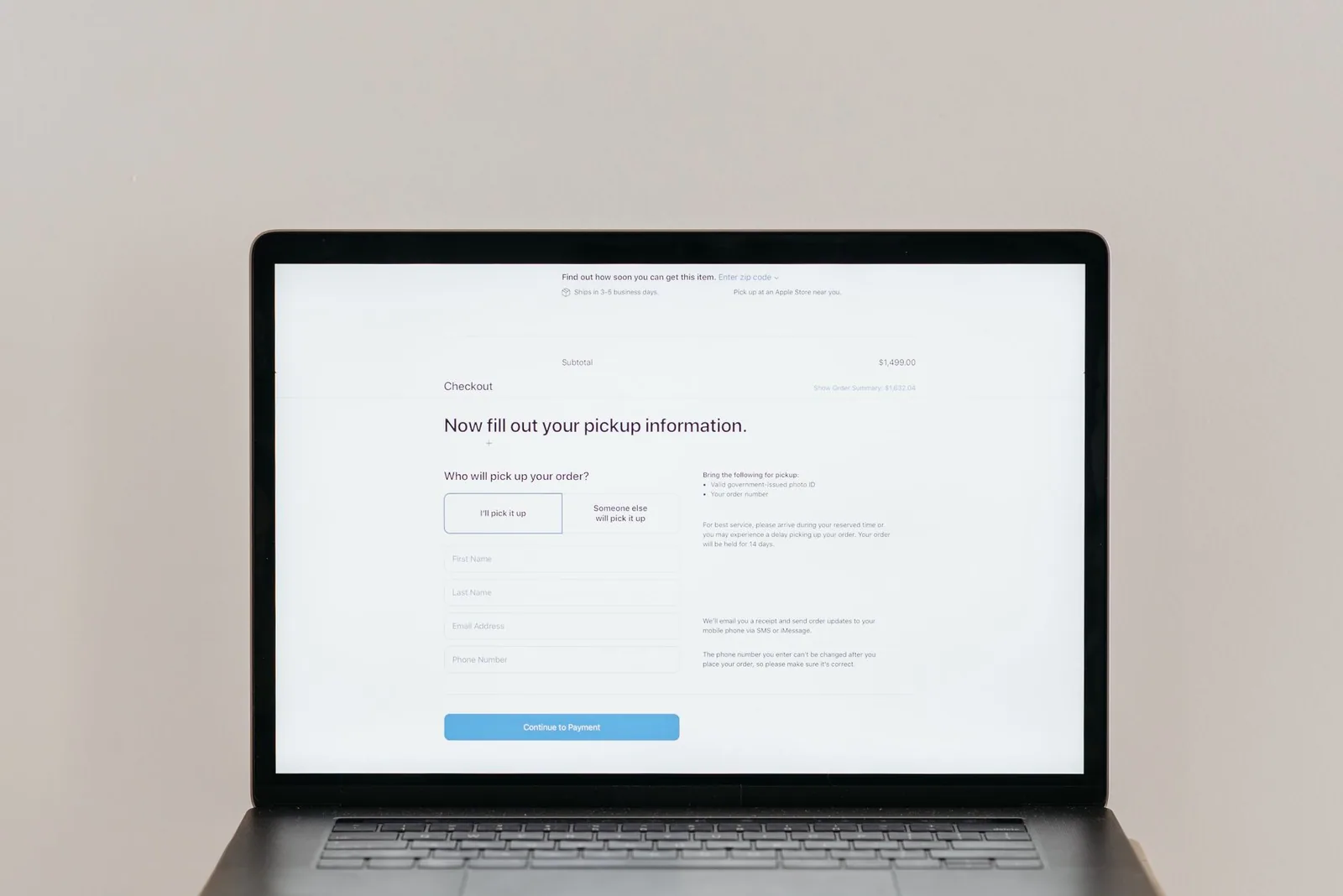
You also need a Visit Japan Web account. Our Visit Japan Web guide covers creating one. The immigration form itself sits inside a registered trip, so register the trip first.

The immigration part, field by field
The manual lists the immigration screens in a fixed order. Many fields are filled in automatically from your profile or trip, and you can still edit them on this screen.
| Field | What to enter | Notes from the manual |
|---|---|---|
| Occupation | Pick from the drop-down list | Pre-filled from your basic information |
| Home address: country and city | For example USA, NEW YORK | Latin letters only |
| Date of arrival in Japan | Your landing date | Plans can go up to 31 December of the following year |
| Last flight No. | The flight that lands in Japan, for example AB1234 | Codeshare: enter the operating flight |
| Point of embarkation | Choose from the list or type it | Example in the manual: LOS ANGELES |
| Address in Japan | Postal code, prefecture, city, address, hotel name, phone | Postal code can fill the address automatically |
| Purpose of visit | Pick from the list; choose Other to type a purpose | Typed text in Latin letters |
| Intended length of stay | Years (0-5), months (0-12) or days (0-180) | At least one field must be 1 or more |
Length of stay: the field people get wrong
Visit Japan Web itself warns that this field is often entered incorrectly. If your purpose is tourism, business or visiting relatives, enter 90 days or less in the days field. A stay longer than 90 days needs “Others” as the purpose plus a specific reason.
For a two-week holiday, type 14 in the days box and leave years and months at zero. Do not convert it to “0 months, 14 days” plus something else. One field with the right number is enough. Our Japan stay calculator counts the days if your trip crosses a month boundary.
The three yes/no questions
The online ED card asks the same three questions as the paper card:
- Have you ever been deported from Japan, departed under a departure order, or been denied entry to Japan?
- Have you ever been found guilty in a criminal case in Japan or in another country?
- Do you have narcotics, marijuana, opium, stimulants or other controlled substances, firearms, crossbows, swords, explosives or similar items with you?
Answer each one truthfully with Yes or No. The form gives no space to explain. If an answer is Yes, expect the immigration officer to ask about it.
The customs part that follows
After the immigration screens, the same menu continues with customs. It has five question screens, then a count of personal effects: bottles of alcohol, cigarettes, heat-not-burn tobacco boxes, cigars, other tobacco in grams and perfume in ounces.
Next comes a list of other items. You can add up to 8 article names with quantity, unit, value and currency. Things bought for personal use do not need listing if each is worth ¥10,000 or less. For allowances and limits, see our Japan customs declaration guide.
Travelling as a family? A question asks whether you want to enter the customs declaration for accompanying family members at the same time. Answer Yes and some screens are skipped for them, but each person still gets their own immigration entry.

Confirm, register and get the QR code
The last screen shows everything you entered. Tick The above entry is true and correct and click Register. Back on the trip page, Display QR Code opens a short procedure guide and then the code. You show it at the immigration counter, then at the customs electronic declaration terminal or inspection desk.
Editing your saved profile later does not update a form you already registered. The manual says you must revise the immigration and customs entries in the same way. If you change your hotel after registering, open the form and update the address there too.
Say a traveller registers in June, and in July the airline changes her flight from AB1234 to AB1236. The trip page shows AB1234 until she edits it, so the code she presents at the counter carries the old number. Two minutes of editing before departure avoids questions at the airport.
Is the online form required?
No. Today it is optional, and the paper ED card remains available. Visa-exempt visitors from the 74 countries and regions on Japan’s list still need no advance approval for short stays. Check your nationality with our Japan visa checker before you book. If you would rather fill in paper, our disembarkation card guide explains each box.
Japan plans to launch JESTA, an online travel authorisation for visa-exempt visitors, within fiscal year 2028 (April 2028 to March 2029), and the online ED card may matter more then. The Immigration Services Agency has said travellers using the planned JESTA walk-through gates will need an ED card submitted through Visit Japan Web. JESTA is not running yet and has no official website.
Japan immigration form FAQ
Can I fill in the immigration form online on a laptop?
Yes. You can register on a computer, but the Digital Agency says you need a smartphone or tablet to show the QR code at the airport.
Does each family member need a separate form?
Yes. Entry procedures are processed one person at a time. You can add up to 10 family members to one account and show each QR code from your phone.
What if my stay is longer than 90 days?
Choose Others as the purpose and type the specific purpose. Only some nationalities can stay longer without a visa, so check the rules first.
Can I edit the form after registering?
Yes. Open the trip, choose Immigration clearance and customs declaration, edit the item and update. Then display the QR code again.
Does the online form cost anything?
No. Visit Japan Web is free, and the Digital Agency says it never asks users to pay fees.
Sources
- Digital Agency: How to use Visit Japan Web
- Digital Agency: Unified QR code for immigration and customs (25 January 2024)
- Japan Customs: Procedures of passenger clearance
- Digital Agency: Visit Japan Web
Japan ESTA Guide is an independent information website. It is not run by or affiliated with the Government of Japan. You cannot apply for JESTA here.