Visit Japan Web is a free online service run by Japan’s Digital Agency. You use it to register your immigration (ED card) and customs details before you arrive, then show one QR code at the airport. Foreign visitors can also use it for tax-free shopping. It is optional today. Under the JESTA plans, you will need it to use the new arrival gates.
Last checked: 19 October 2026. Based on the Digital Agency’s Visit Japan Web pages and user guide, Japan Customs and Immigration Services Agency statements.
FreeThe Digital Agency never asks for a fee
1 QR codeImmigration and customs combined since 25 January 2024
No appIt is a website; there is no official app
go.jpOfficial addresses end in digital.go.jp
What Visit Japan Web is
The Digital Agency of the Government of Japan describes Visit Japan Web as a service for completing arrival procedures (immigration and customs) online. It also runs a tax-free shopping service. Foreign visitors use it, and so do Japanese residents returning home.
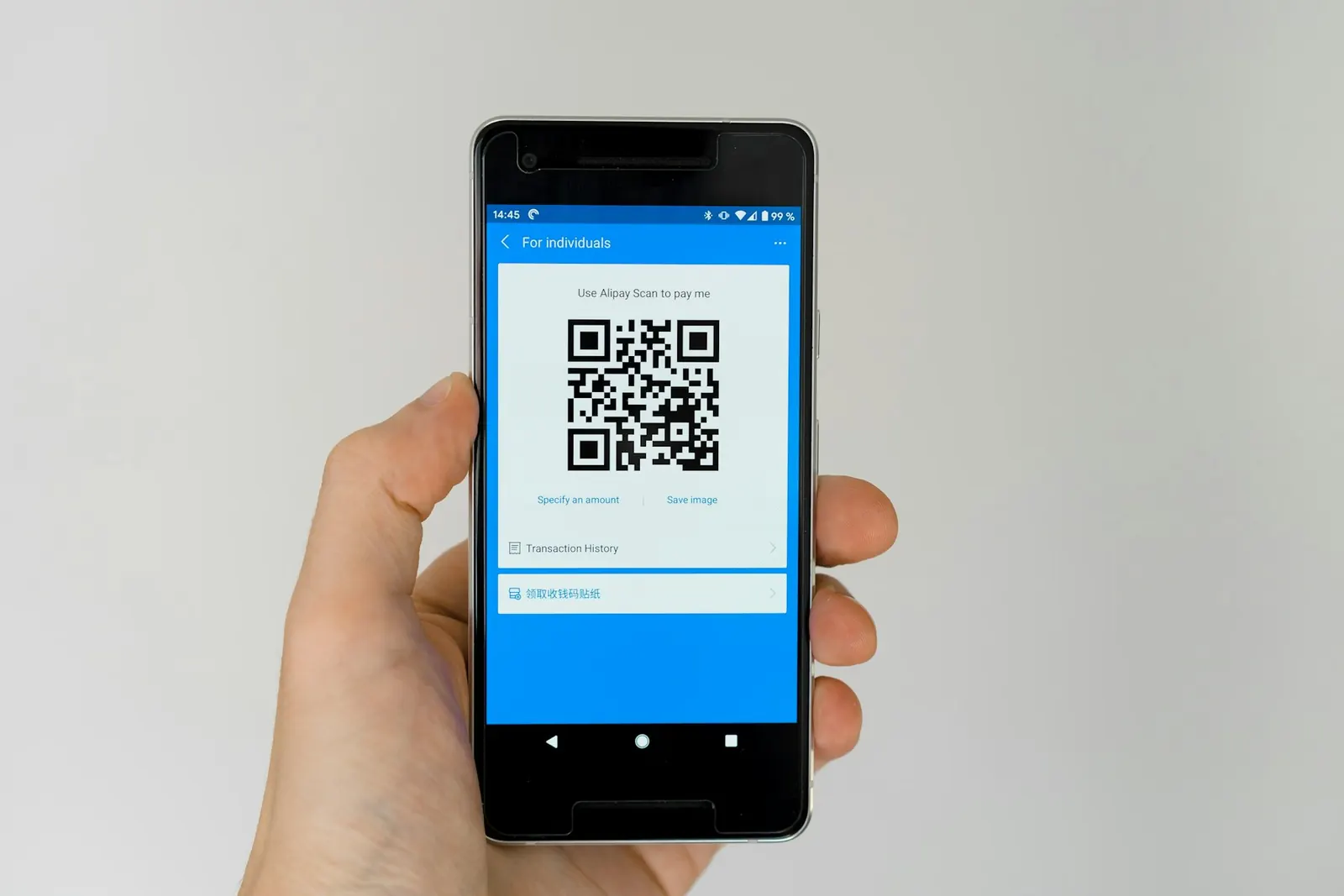
You enter the information needed for immigration and customs in advance. The service then generates a QR code (the official pages also call it a 2D code), which you show on arrival instead of handing over paper forms. You can register from a computer, but you need a smartphone or tablet to show the code at the airport.
What you can do with it
| Feature | What it replaces | Where you use it |
|---|---|---|
| Immigration clearance (foreigner entry record) | The paper disembarkation (ED) card | Immigration counter on arrival |
| Customs declaration (personal effects and unaccompanied articles) | The paper customs declaration form | Electronic declaration terminal or customs inspection desk |
| Tax-free shopping QR code | Showing your passport details at the shop | Shops that accept the Visit Japan Web tax-free code |
| Quarantine health questions | Not a replacement; gives guidance based on your health condition | Before arrival |
Since 25 January 2024, immigration and customs share one QR code. Foreign visitors now see a single menu called “Immigration clearance and customs declaration” instead of two separate ones. Japan Customs says codes created with the old Customs Declaration App no longer work.
What you need
- An email address, to create your account.
- Your passport. You can scan it with your camera or type the details in. For the tax-free feature, it must be scanned.
- Your flight details and your place of stay in Japan.
- A smartphone or tablet to show the QR code on arrival.
The Digital Agency’s guide notes that the service shows a warning if your passport has less than six months left. This is a reminder in the service, not an entry rule. Japan has no minimum passport-validity requirement for visa-exempt visitors; see Japan entry requirements.
How to use it, step by step
The official user guide splits the process into four steps before you travel and one on arrival.
- Create an account and log in. Go to the official Visit Japan Web site from the Digital Agency’s page and register with your email address.
- Register yourself as a user. Choose your category of entry procedure and register your passport details. Basic information is optional, but you can reuse it in later trips.
- Register your arrival schedule. Enter your trip details, such as your flight and your place of stay. You can type them in, reuse a previous trip’s details, or pull them from a Japanese visa application using your visa issue number.
- Complete your entry procedures. Open your registered trip and fill in “Immigration clearance and customs declaration”. There is also an optional quarantine health check.
- Show the QR code on arrival. Show it at the immigration counter, then at the customs electronic declaration terminal or inspection desk. After declaring at a terminal, you can use the electronic declaration gate.
According to the Digital Agency, at Haneda, Fukuoka and Naha airports you can make your customs declaration at an electronic terminal while you wait for your bags. Japan Customs recommends declaring electronically through Visit Japan Web. For more on what to declare, see Japan Customs’ passenger page in the sources below.
Tax-free shopping with Visit Japan Web
The tax-free feature is open only to foreign nationals with Temporary Visitor, Diplomat or Official status. Your passport must be scanned in the service first. You then scan the landing permission sticker in your passport to create a tax-free QR code, and show it at participating shops. The Digital Agency says screenshots of the code are not accepted.
Japan’s tax-free system changes to a refund model for purchases from 1 November 2026. You pay tax at the till, customs confirms the goods when you leave (within 90 days of purchase), and the tax is then refunded. Check the Japan Tourism Agency leaflet in the sources for the new rules.
Watch out for fake sites and apps
Visit Japan Web is free. In June 2025 the Digital Agency warned about a site asking Visit Japan Web users to pay an application fee, and said it never asks users for fees. In December 2023 it warned about suspicious apps such as “Visit Japan Web Info”, saying the service provides no apps and that anyone who installed one should uninstall it immediately.
- Start from the Digital Agency’s page at services.digital.go.jp and follow its link to the service.
- Do not pay anyone to “submit” Visit Japan Web for you.
- Do not install apps that claim to be Visit Japan Web.
Visit Japan Web and JESTA
Visit Japan Web and JESTA are separate. JESTA is Japan’s planned online travel authorisation for visa-exempt visitors, with a target launch in fiscal year 2028. The Immigration Services Agency told the Diet that approved JESTA travellers will use a kiosk and a walk-through gate on arrival, and that to use the gate they must also submit the ED card electronically through Visit Japan Web. Integrating JESTA into Visit Japan Web has not been announced.
So Visit Japan Web is optional today but is expected to matter more once JESTA starts. Read how JESTA will work and what JESTA is. For customs specifically, see our guide to the Japan customs declaration.
Japan ESTA Guide is an independent information website. It is not run by or affiliated with the Government of Japan. You cannot apply for JESTA here.
Frequently asked questions
Is Visit Japan Web mandatory?
No. You can still complete the paper ED card and customs form on arrival. Japan Customs recommends the electronic declaration, and under the JESTA plans the walk-through gates will require an ED card submitted through Visit Japan Web.
Does Visit Japan Web cost anything?
No. The Digital Agency says it never asks users to pay fees. Any site that charges for Visit Japan Web is not the official service.
Is there a Visit Japan Web app?
No. It is a website, and the Digital Agency has warned that it provides no apps. Use the service in your phone’s browser.
Can I add Visit Japan Web to my home screen like an app?
Yes. The official instruction manual explains adding the site to your home screen from Safari or Chrome. After logging in online once, you can view your registered trip and show the QR code offline. Skip any app-store download that uses the Visit Japan Web name.
Can I apply for JESTA through Visit Japan Web?
No. JESTA is not running yet, and it is planned as a separate system. The only announced link is that approved travellers must submit the ED card through Visit Japan Web to use the walk-through gates.
Can I fill in Visit Japan Web on a laptop?
Yes, you can register on a computer. You still need a smartphone or tablet to show the QR code at immigration and customs.
Sources
- Digital Agency: Visit Japan Web policy page
- Digital Agency Services: Visit Japan Web
- Digital Agency Services: Visit Japan Web user guide
- Digital Agency: warning about sites charging fees (5 June 2025)
- Digital Agency: warning about suspicious apps (14 December 2023)
- Japan Customs: passenger procedures
- Japan Tourism Agency: new tax-free refund system leaflet (PDF)
- National Diet Library: Diet minutes, 17 April 2026 (JESTA gates and Visit Japan Web)